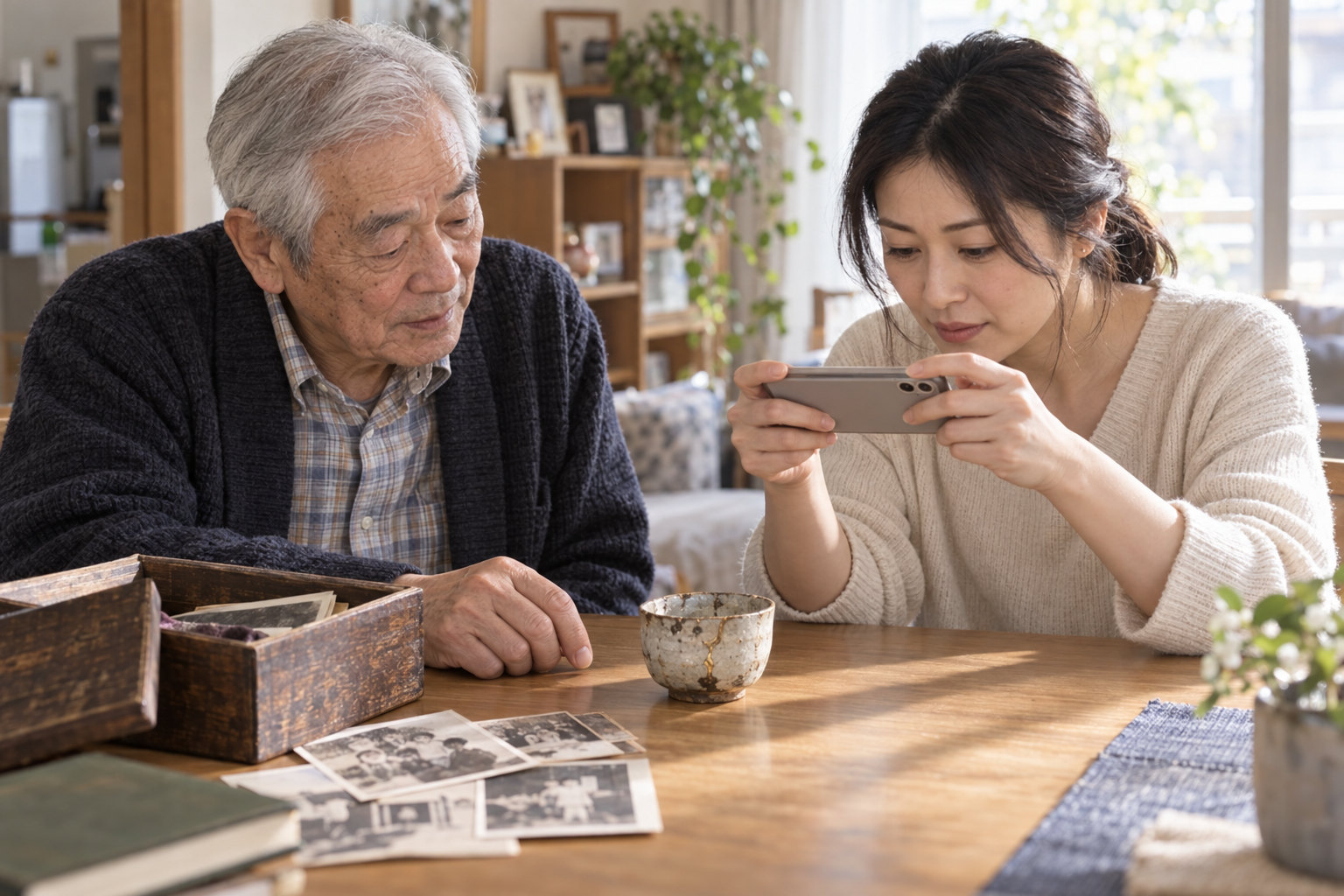
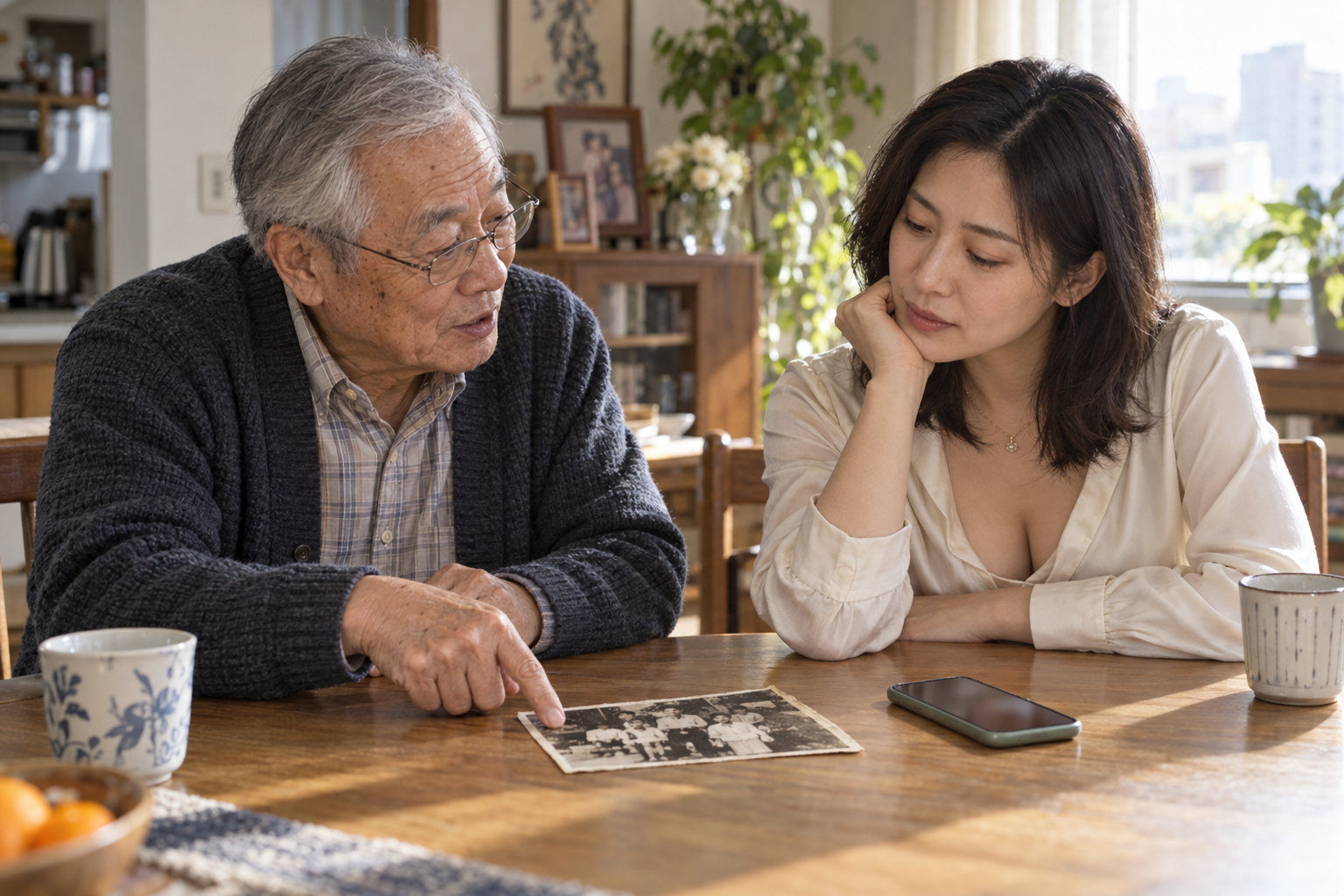
01 / Photo to story
Your photo.
Your own words.
Add a photo. Talk or type about it. Tricia helps organize the details. You make the story your own.
Tricia might ask
“Who was there with you that day?”
An AI-assisted social memory network. Add a photo and tell its story. Keep it to yourself or share it, and invite family to reply.





A photo starts a story.
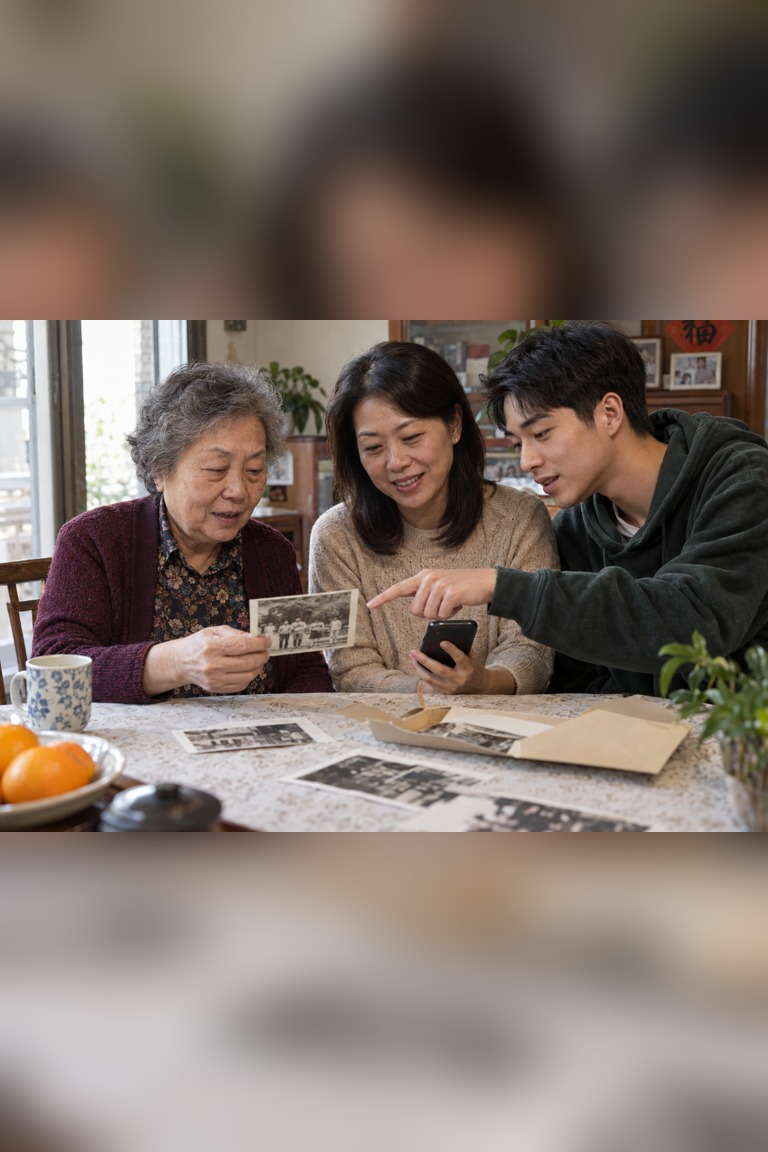
Share it your way.

Keep the story going.
Photos, stories, sharing and family replies. An AI-assisted social memory network—not a printed book.
Not a printed memory book.
Stories people can reply to.
01 / Photo to story
Add a photo. Talk or type about it. Tricia helps organize the details. You make the story your own.
“Who was there with you that day?”

02 / Choose to share
Review your story. Keep it or share it. Ask permission before sharing someone else’s photo or memories.
Keeping a memory need not make it public.

03 / Family replies
Let family reply and add a memory. Explore public stories and follow people you want to hear more from.
“I remember that, too” is a new beginning.
Share memories with the people you choose. Review the details before sharing.

Ask an older relative about a photo. Share their story and invite the next generation to respond.
Start a storyTricia is not a clinic. Before you go, ask a partner clinic about information it has approved. When a question needs a person, its staff can reply. Your questions are not published as public stories.
Meet TriciaReview before posting. Get permission for other people’s photos and stories, and manage the content you publish.
Sharing choicesCheck names, dates and details before sharing. Read the in-app data and consent information before using AI.
About AI useYour story. Their next reply.
Tell its story. Choose to share. Hear what family remembers.